
Game Boy Pocket Laminated 2.8 inch IPS Kit - Hispeedido
Game Boy Pocket Laminated 2.8 inch IPS Kit - Hispeedido
Hand Held Legend
519 Davisville Road
Unit 102
Willow Grove PA 19090
United States
Choose options
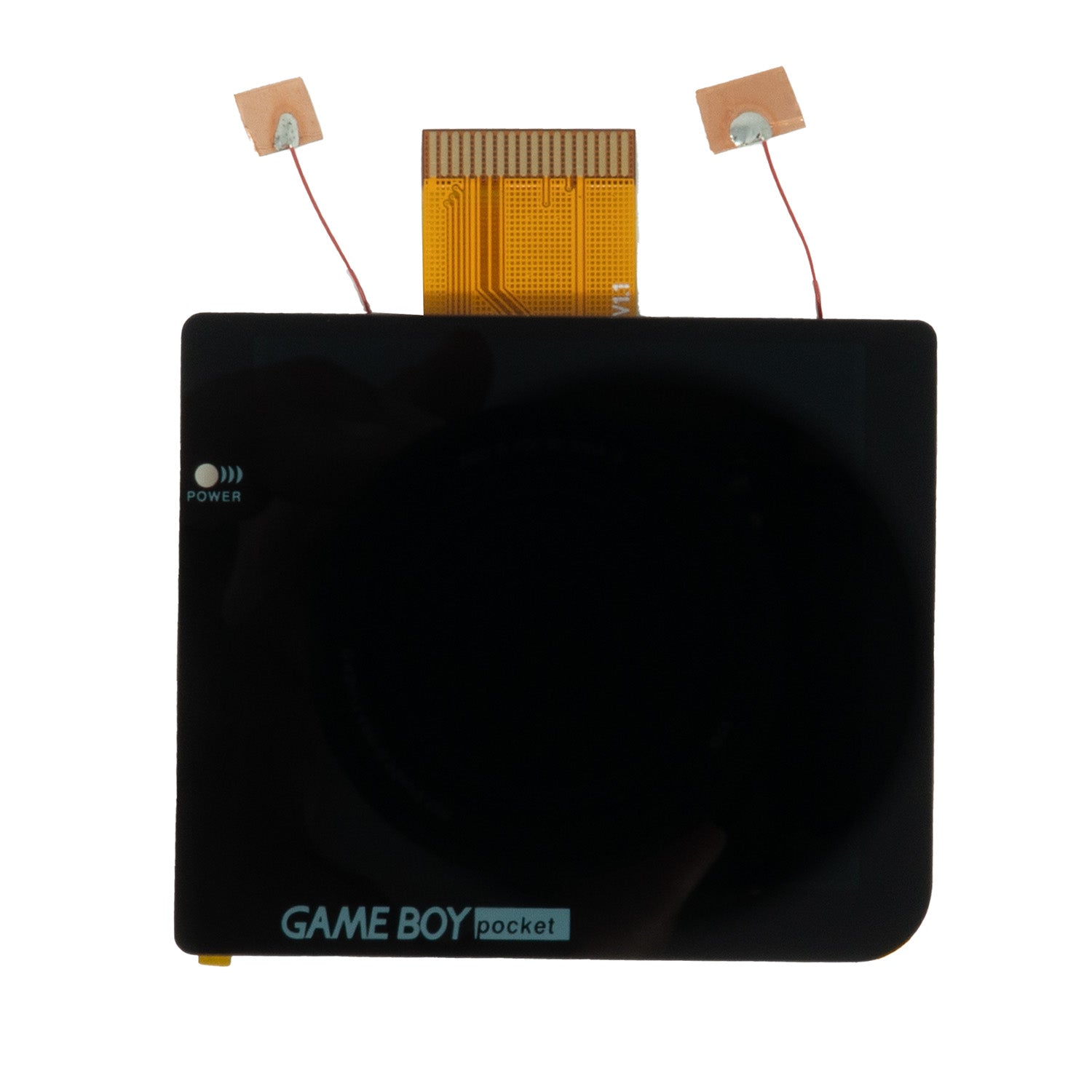
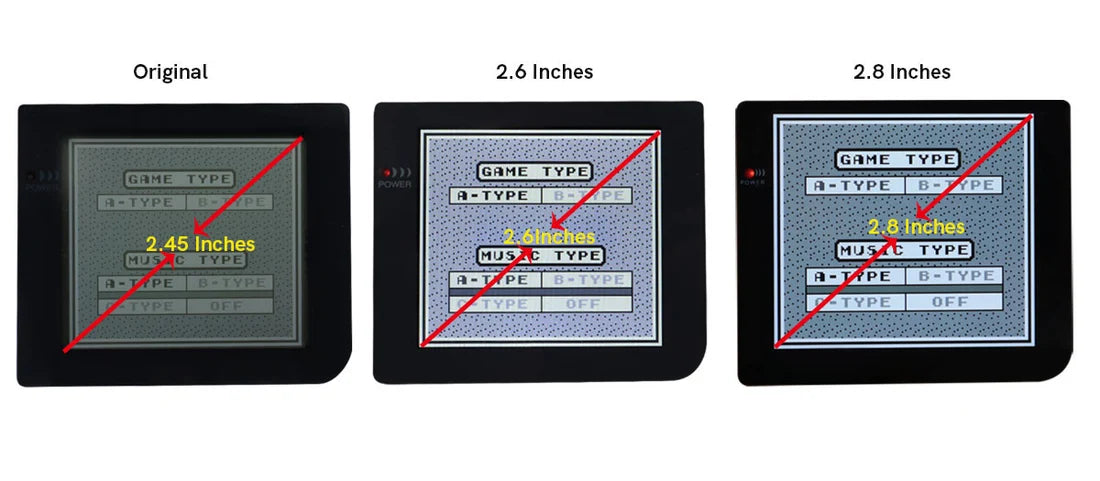
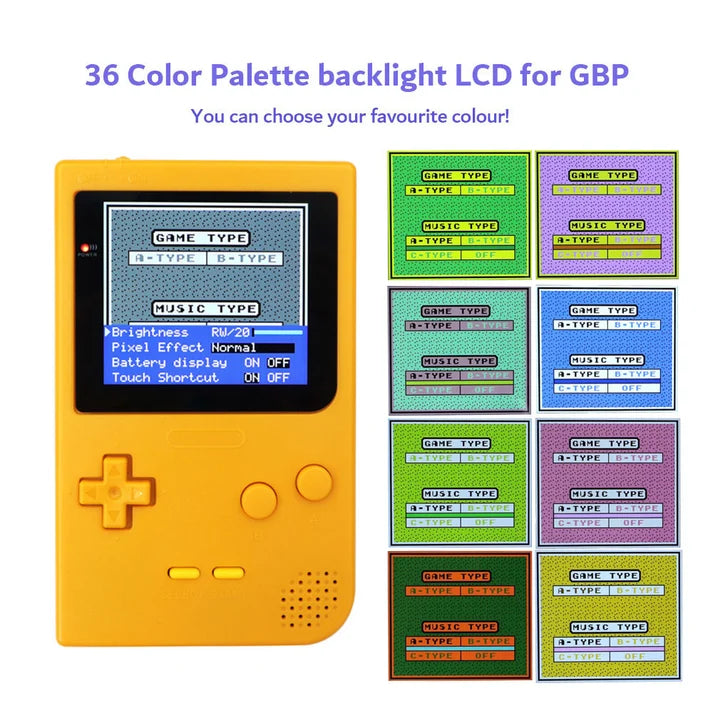
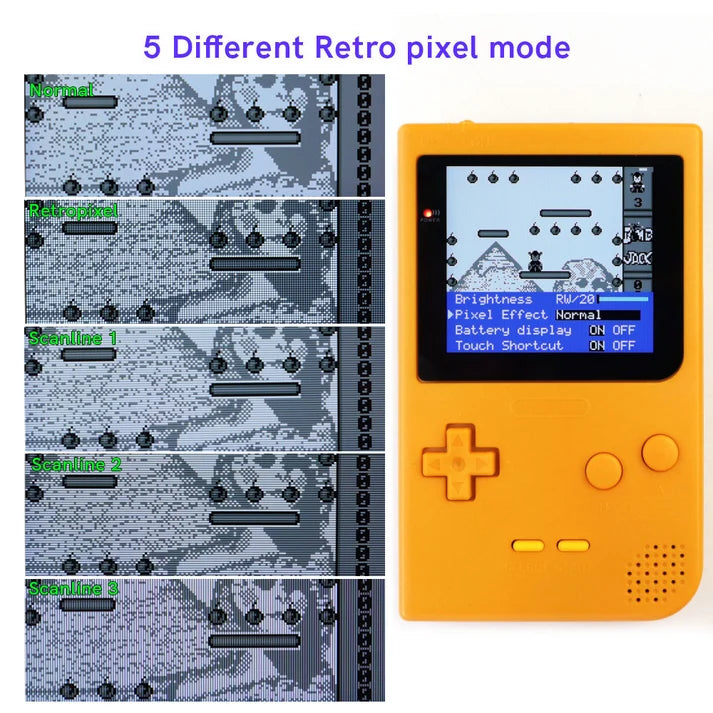
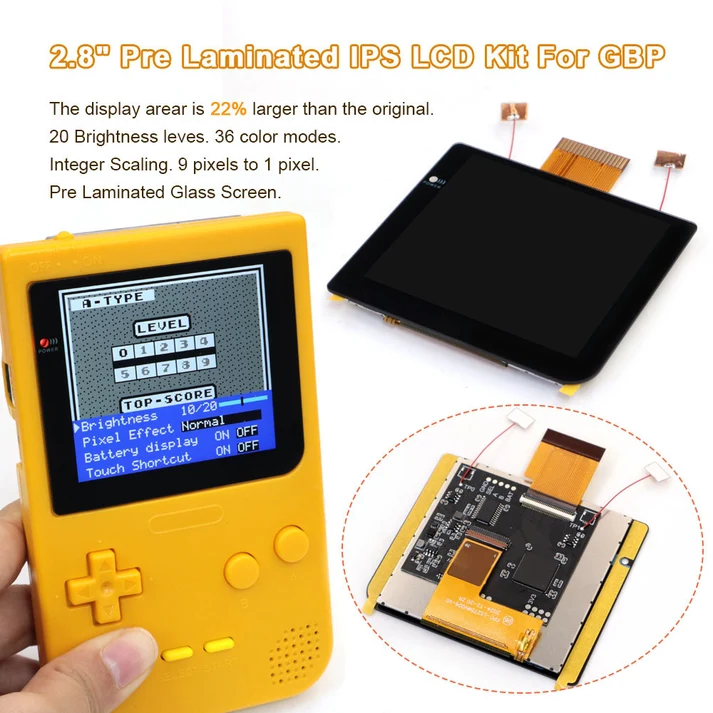
Upgrade your Gameboy Pocket to a 2.8" IPS kit from HISPEEDIDO! Experience a stunning 480x432 display that's 22% larger than the original LCD, with 20 brightness levels, 36 color modes, and 5 retro pixel effect modes to customize your gameplay.
FEATURES:
- 480x432 display resolution
- 22% larger than the original LCD
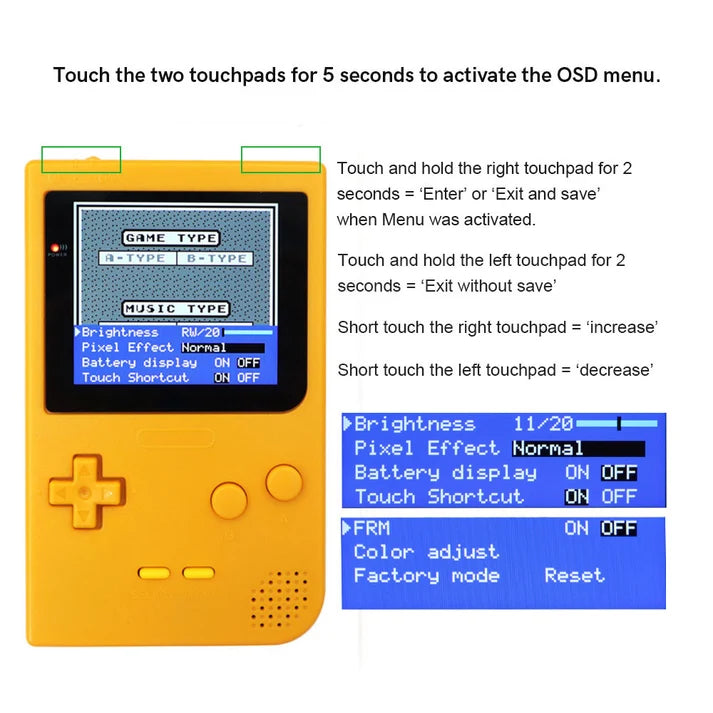
- Built-in OSD Menu
- 20 brightness levels
- 36 Color modes
- 5 Retro Pixel Effect Modes
- FRM on/off function (Frame blending on/off).
- Touch Shortcut on/off function. Set 'Touch Shortcut' off to avoid auto cycling color modes.
- Battery level display on/off.
- Supports contrast wheel brightness adjustment.
- Soldering BAT wire for basic functionality required. Optional soldering for A/B/Select OSD menu functions.
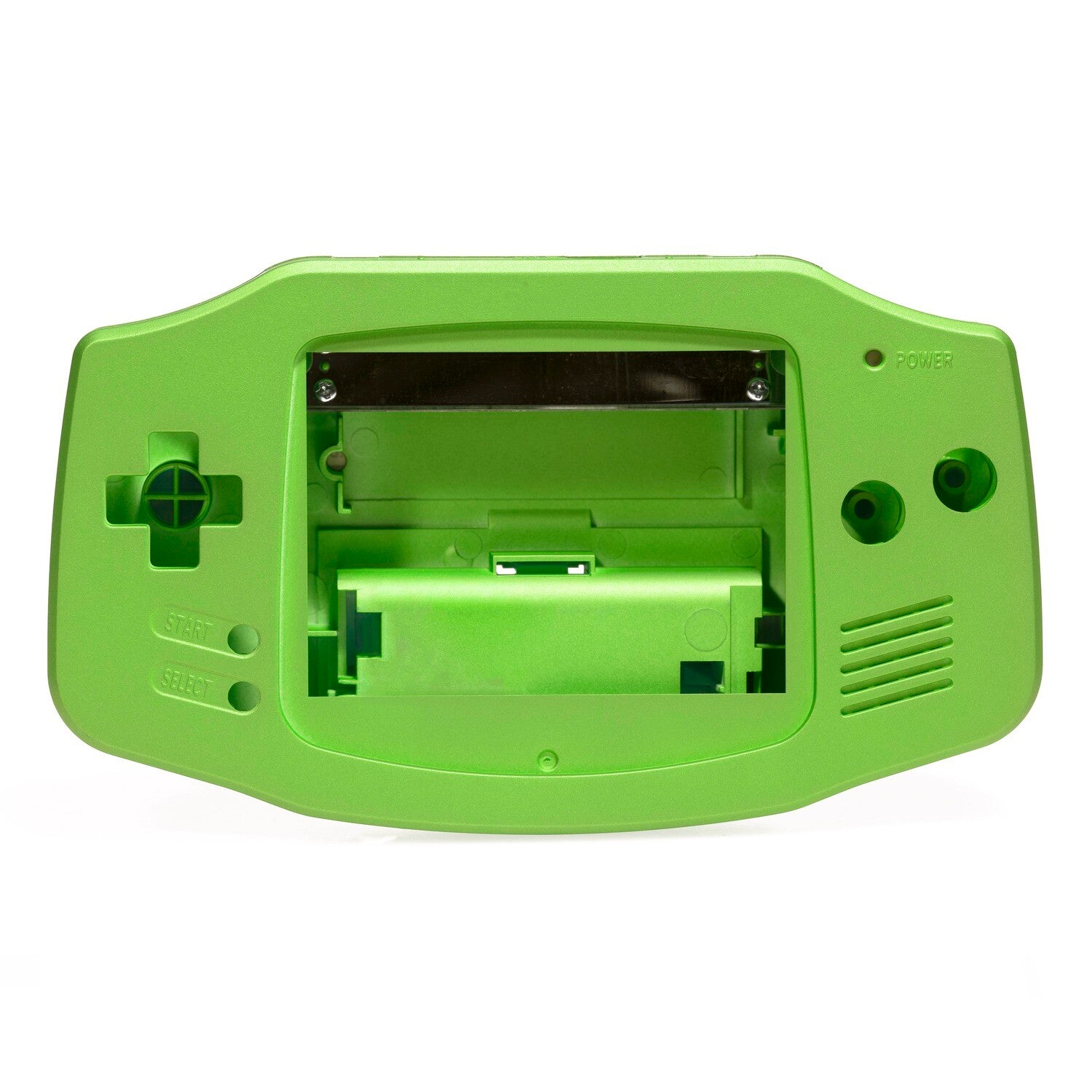
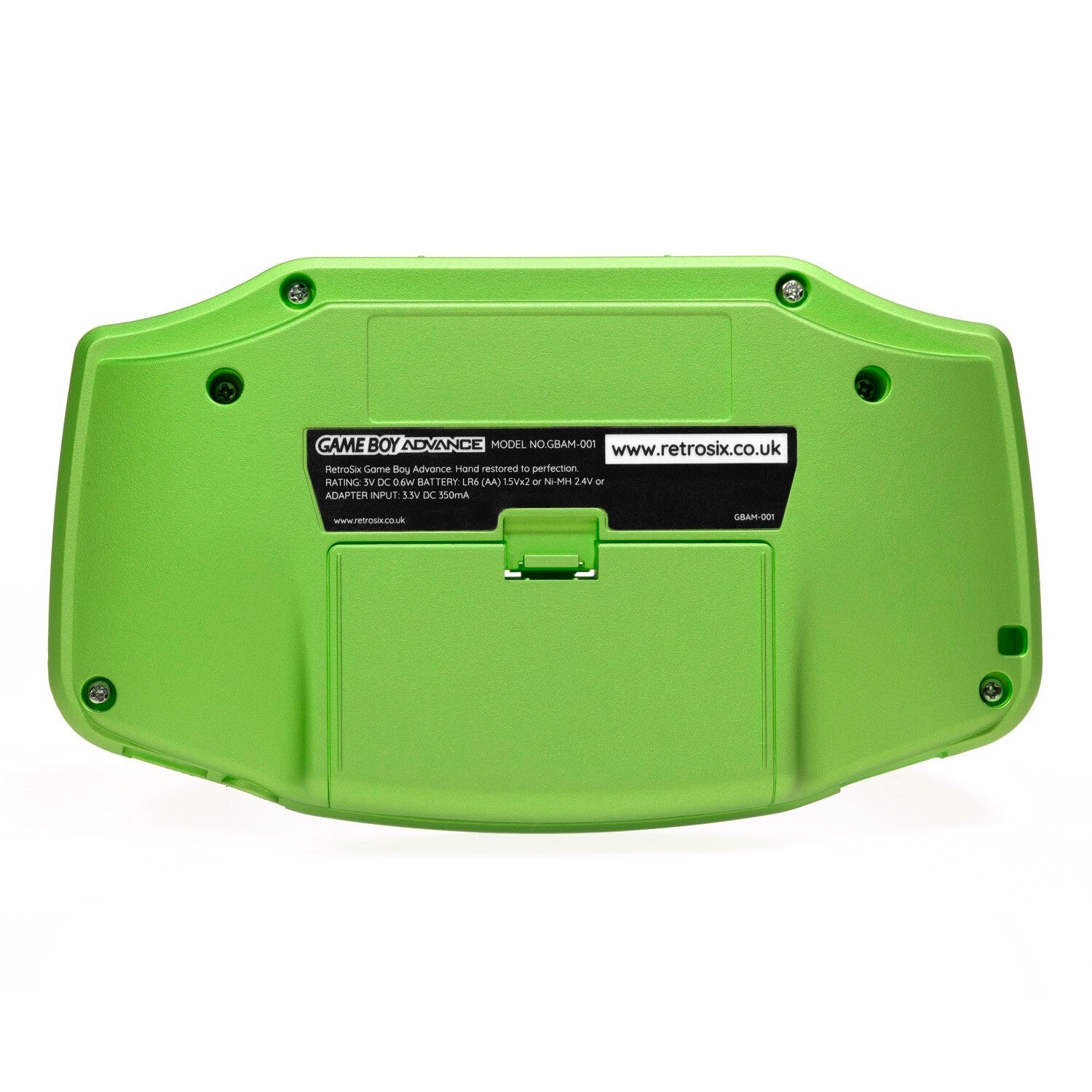
- Display area is larger than the original. We only recommend using a custom laminated shell from Hispeedido. Shell modification required for all other shells. No refunds are given if a non-recommended shell is used.
INCLUDED:
- 1x IPS Screen
- 1x PCB
- 1x Flex Cable
- 4x Wires
PAIRS WELL WITH:
DOCUMENTATION:
- Install Guide and User Guide
- How to test your LCD kit - *Soldering is required to dry test this kit. Soldering the power wire in this case will not void the return policy.
NOTES:
- Touch both touchpads for 3 seconds to activate the OSD
- Touch and hold the right touch pad for 2 seconds to enter menus and save and exit them
- Touch and hold the left touch pad for 2 seconds to exit without saving
- Tap the right touch pad to increase the value of the selection
- Tap the left touch pad to decrease the value of the selection
- If you have soldered the A/B/Select wires, hold down A/B/Select to open up OSD menu.
- After installation, if it is noted that your touch sensor is overly sensitive or is cycling, please see this article for assistance. You can also turn off the touch sensors in the OSD menu.
WARNINGS:
- Test the kit before installation! Once the display is mounted with the included double-sided foam tape, it cannot be safely removed. We ask that you test the kit by hooking it up before removing the screen protector and before mounting the display using the foam tape.
- LCD may break if put under too much pressure or dropped. Please exercise extreme caution when installing.
Nintendo®, NES®, Super Nintendo Entertainment System™, Nintendo 64®, Nintendo GameCube®, Game Boy®, Game Boy Color®, Game Boy Advance®, Nintendo DS™, Nintendo 3DS™, Wii™, Wii U™, Nintendo Switch™, and all related names, logos, and trademarks are the property of Nintendo Co., Ltd. or its subsidiaries.
This product is an independent, third-party restoration or accessory product and is not endorsed, licensed, sponsored by, or affiliated with Nintendo Co., Ltd. in any way.
Why Choose our Store?
Fast Shipping
We know you’re excited to get your gear, so we ship fast—usually within 1-2 business day. With reliable carriers and tracking included, your order arrives quickly and safely, every time.
Great Support
Have questions or need help? Our knowledgeable team is here to assist with fast, friendly support. Whether it’s product advice or order issues, we’ve got your back.
Get in TouchTransparency
What you see is what you get. We provide clear photos, detailed descriptions, and honest specs so you know exactly what you’re buying—no surprises.
Store ReviewsRewards
Get more with every purchase. Join our rewards program to earn points you can redeem for discounts, exclusive offers, and more—just for shopping with us.
Rewards ProgramDeep Discounts
CLEARANCE